Ever wondered if you can play your beloved PlayStation games on your computer, perhaps to enjoy them on a larger monitor or while traveling? Good news for busy gamers in 2026! The dream of bringing your PlayStation library to your PC is more accessible than ever before. This comprehensive guide will navigate you through all the viable methods, from official streaming services like PlayStation Plus Premium to dedicated PC ports and even the trusty PS Remote Play. We'll explore how these options provide flexibility, allowing you to balance your gaming passion with life's demands. Discover how to setup, optimize performance, and enjoy your favorite PS titles without needing a dedicated console screen, addressing common pain points like compatibility and hardware requirements. Get ready to unlock a world of cross-platform gaming possibilities right from your desktop or laptop, ensuring you stay current with the latest gaming trends and get maximum value from your gaming investments.
How can I access my existing PlayStation game library on my PC?
You can access your existing PlayStation game library on PC primarily through PS Remote Play. This free application allows you to stream games directly from your own PS4 or PS5 console to your PC, essentially extending your console experience to your computer screen. Your console needs to be powered on or in Rest Mode with Remote Play enabled. For PlayStation Plus Premium subscribers, a selection of PS4 games and classic titles are available for cloud streaming to your PC, letting you play from their extensive catalog without owning the specific games.
What PlayStation controllers are compatible with PC for playing PS games?
Both the PlayStation DualSense (PS5) and DualShock 4 (PS4) controllers are highly compatible with PC. You can connect them via a USB-C (DualSense) or Micro-USB (DualShock 4) cable for a wired connection, or wirelessly via Bluetooth. Many PC games, especially Sony's official PC ports, offer native support for these controllers, including advanced features like adaptive triggers and haptic feedback on the DualSense. For broader compatibility with other PC titles, they typically function as standard XInput devices.
Is my PC powerful enough to run PlayStation games, and how can I check?
Your PC's power requirements depend heavily on how you plan to play. For PlayStation Plus Premium streaming, a stable internet connection is more critical than raw PC power, as games run on Sony's servers. For native PC ports (like God of War or Spider-Man), you'll need a gaming PC that meets the game's minimum or recommended specifications, which you can check on the game's Steam or Epic Games Store page. For emulators (e.g., PCSX2 for PS2), a strong CPU is usually the most important factor. Always compare your PC's CPU, GPU, and RAM to the specific game's requirements.
What internet speed do I need for smooth PlayStation game streaming on PC?
For smooth PlayStation game streaming on PC, whether through PlayStation Plus Premium or PS Remote Play, a fast and stable internet connection is crucial. Sony generally recommends a minimum download speed of 5 Mbps, but for a truly comfortable and high-quality experience, a consistent speed of 15-25 Mbps or higher is highly recommended. A wired Ethernet connection is always preferred over Wi-Fi to minimize latency and ensure stability, especially for competitive or reaction-based games, preventing annoying input lag or visual artifacts.
Can I play PlayStation's cloud streaming games without owning the console?
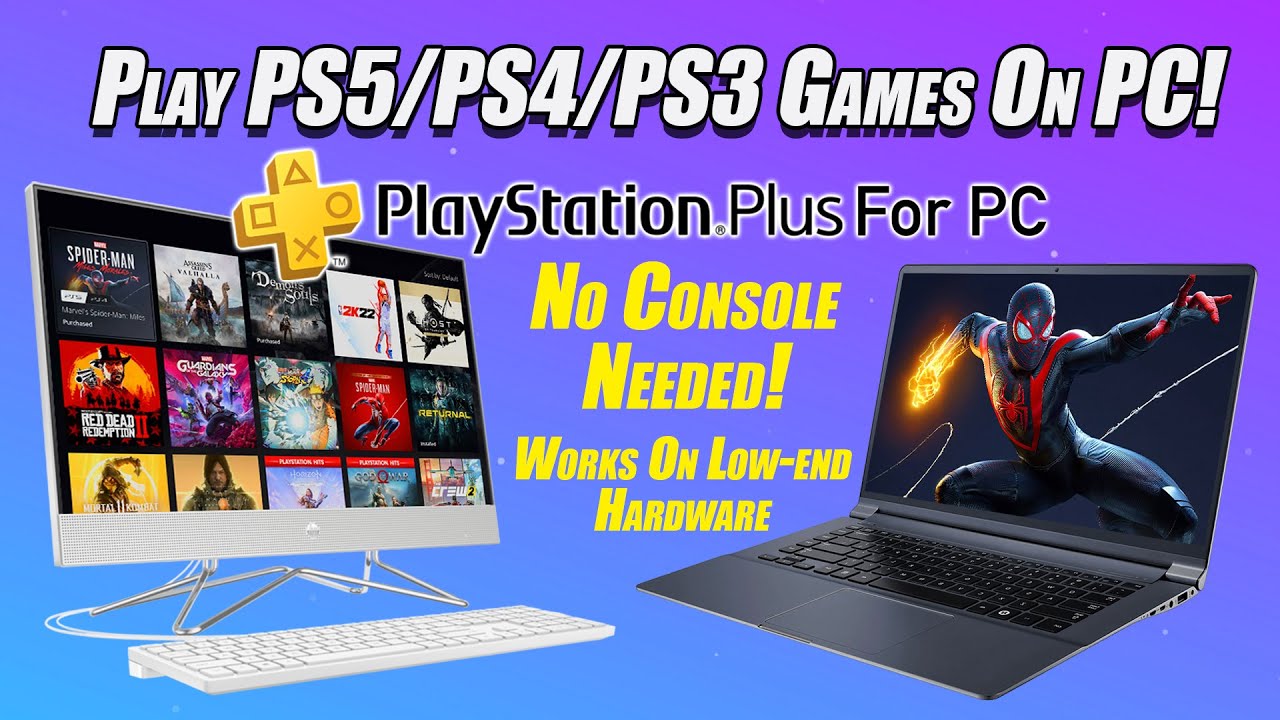
Yes, you can absolutely play a wide selection of PlayStation's cloud streaming games on your PC without owning a PlayStation console. This is the core benefit of the PlayStation Plus Premium subscription tier. By subscribing and downloading the official PlayStation PC app, you gain direct access to a rotating library of PS4, PS3, and classic PlayStation games that can be streamed instantly to your computer, requiring only a compatible PC, internet connection, and controller.
How do I optimize settings for the best performance when playing PS games on PC?
Optimizing settings for the best performance depends on the method. For native PC ports, start by updating your graphics drivers and adjusting in-game visual settings, prioritizing frame rate over graphical fidelity if needed. For PlayStation Plus Premium, ensure a wired internet connection, close background applications, and reduce network congestion. For PS Remote Play, ensure both your console and PC are wired to the router, and select a lower resolution within the Remote Play app if you experience lag. Always aim for a balanced setting that provides both smooth gameplay and acceptable visuals.
Are there any legal or ethical concerns I should be aware of when playing PS games on PC?
Playing PlayStation games on PC through official channels like PlayStation Plus Premium, native PC ports, or PS Remote Play is entirely legal and ethical. The main area for concern arises with emulators and ROMs for older games. While emulators themselves are generally legal, downloading game ROMs for titles you do not legally own (e.g., from a disc you purchased) can infringe on copyright. Always ensure you are obtaining game files legally, for example, by creating backups of your own purchased game discs, to avoid any legal or ethical issues.
As a gamer who juggles work, family, and personal life, finding time to dive into your favorite PlayStation titles can be a real challenge. That dedicated TV in the living room isn't always available, or perhaps you just prefer the flexibility of your PC setup. It's a common dilemma, and one that many US gamers, with an average age of 36 and often balancing gaming with professional commitments, face daily. Thankfully, in 2026, the question 'can I play my PS games on PC' has more positive answers than ever before, offering solutions for those seeking relaxation, fun, and value without the hype.
We know that 87% of US gamers regularly engage with their hobby, often spending 10+ hours a week, and they value seamless experiences. The good news is, you absolutely can play many of your PlayStation games on PC, thanks to official services, dedicated PC releases, and clever workarounds. This guide is designed to cut through the noise, providing clear, actionable steps to help you get your PS games running on your computer, optimize performance, and make the most of your gaming time. Let's dive in and unlock your PlayStation library on PC.
Can I really play my PS games on PC in 2026?
Yes, absolutely! In 2026, there are multiple legitimate and increasingly robust ways to enjoy your PlayStation games on a PC. Sony has expanded its PC presence significantly, acknowledging the growing demand from gamers who appreciate the versatility of PC gaming. Whether you're interested in recent blockbusters or nostalgic classics, your PC can be a gateway to much of the PlayStation ecosystem, providing flexibility that wasn't possible just a few years ago. This trend caters directly to gamers who need to fit their passion into a busy schedule.
What are the official ways to play PlayStation games on PC?
Sony offers two primary official methods for playing PlayStation games on your PC: PlayStation Plus Premium's cloud streaming service and dedicated PC ports of first-party titles. These options provide varying degrees of accessibility and performance, catering to different types of games and gamer preferences. Both methods are designed to integrate smoothly into your existing PC setup, giving you more choice in how and where you play.
How does PlayStation Plus Premium work for PC gaming?
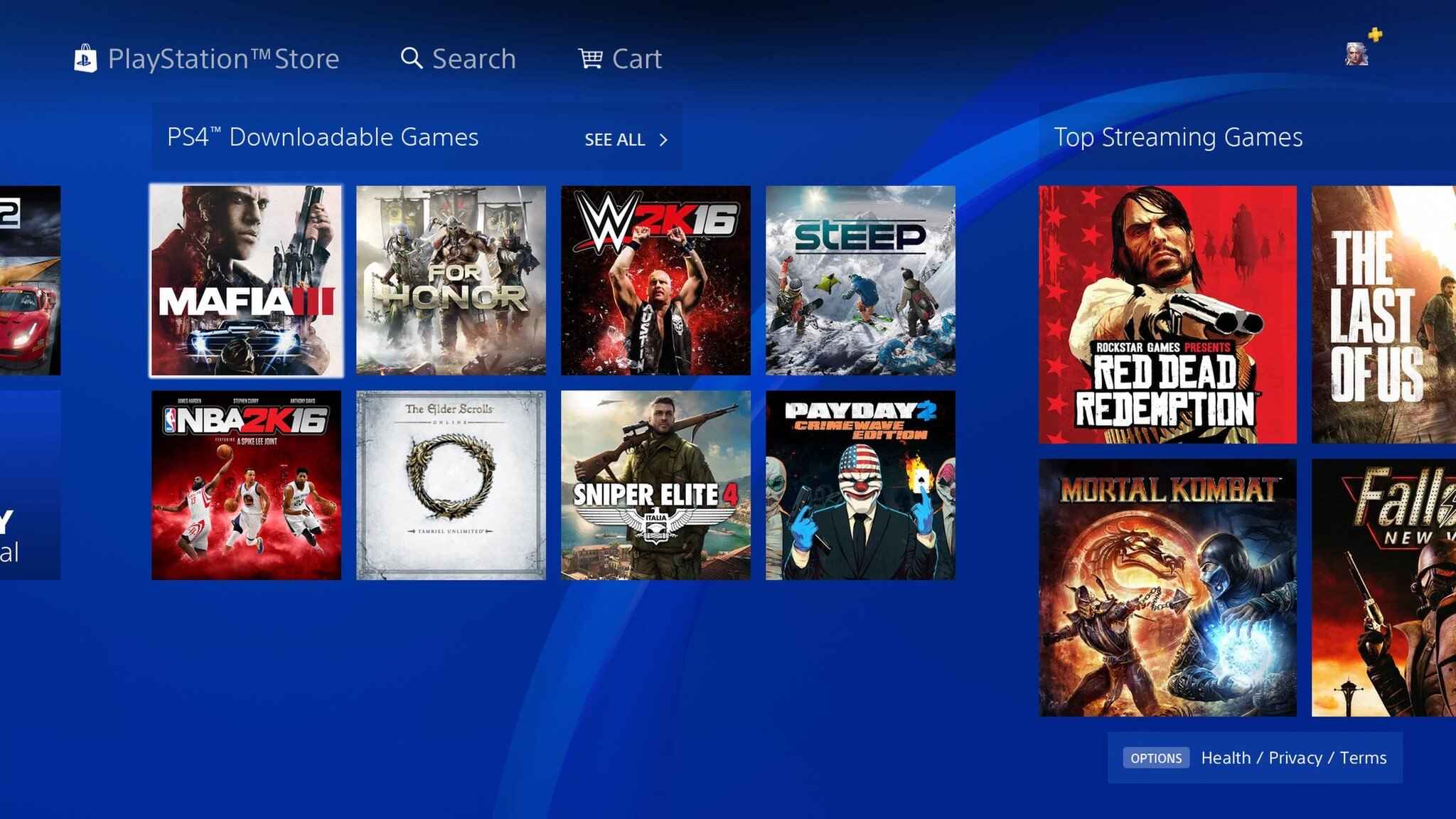
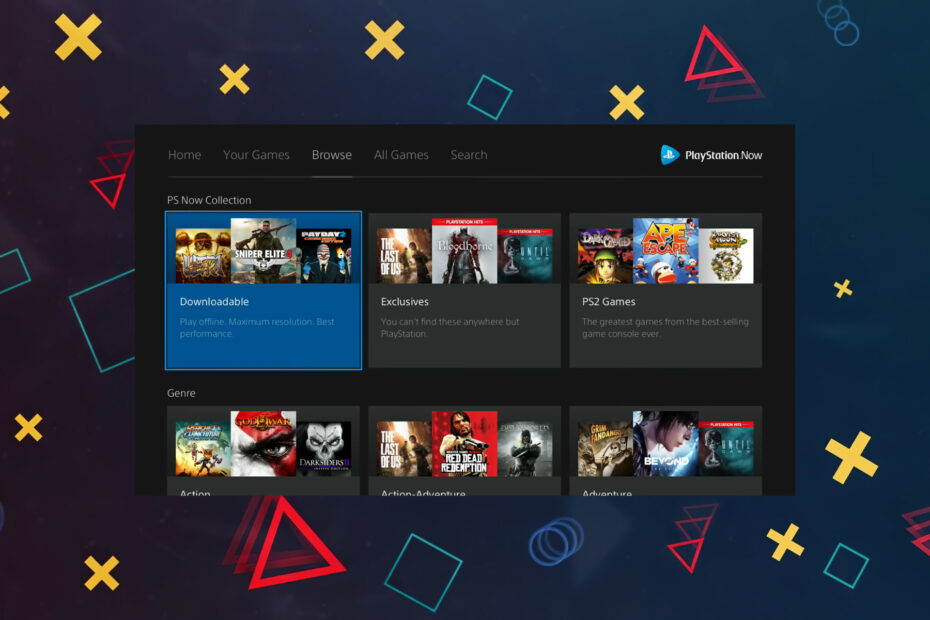
PlayStation Plus Premium includes a cloud streaming option that allows subscribers to play a vast library of PS4, PS3, and classic PlayStation games directly on their PC without needing a PlayStation console. You simply download the PlayStation PC app, log in with your PlayStation Network account, and stream games over the internet. This service requires a stable, high-speed internet connection (Sony recommends at least 15 Mbps, but 25 Mbps or higher is ideal) and a compatible controller, ideally a DualSense or DualShock 4, for the best experience. It's an excellent way to access a huge catalog of games without hardware upgrades or lengthy downloads.
Are PlayStation PC ports the best way to play?
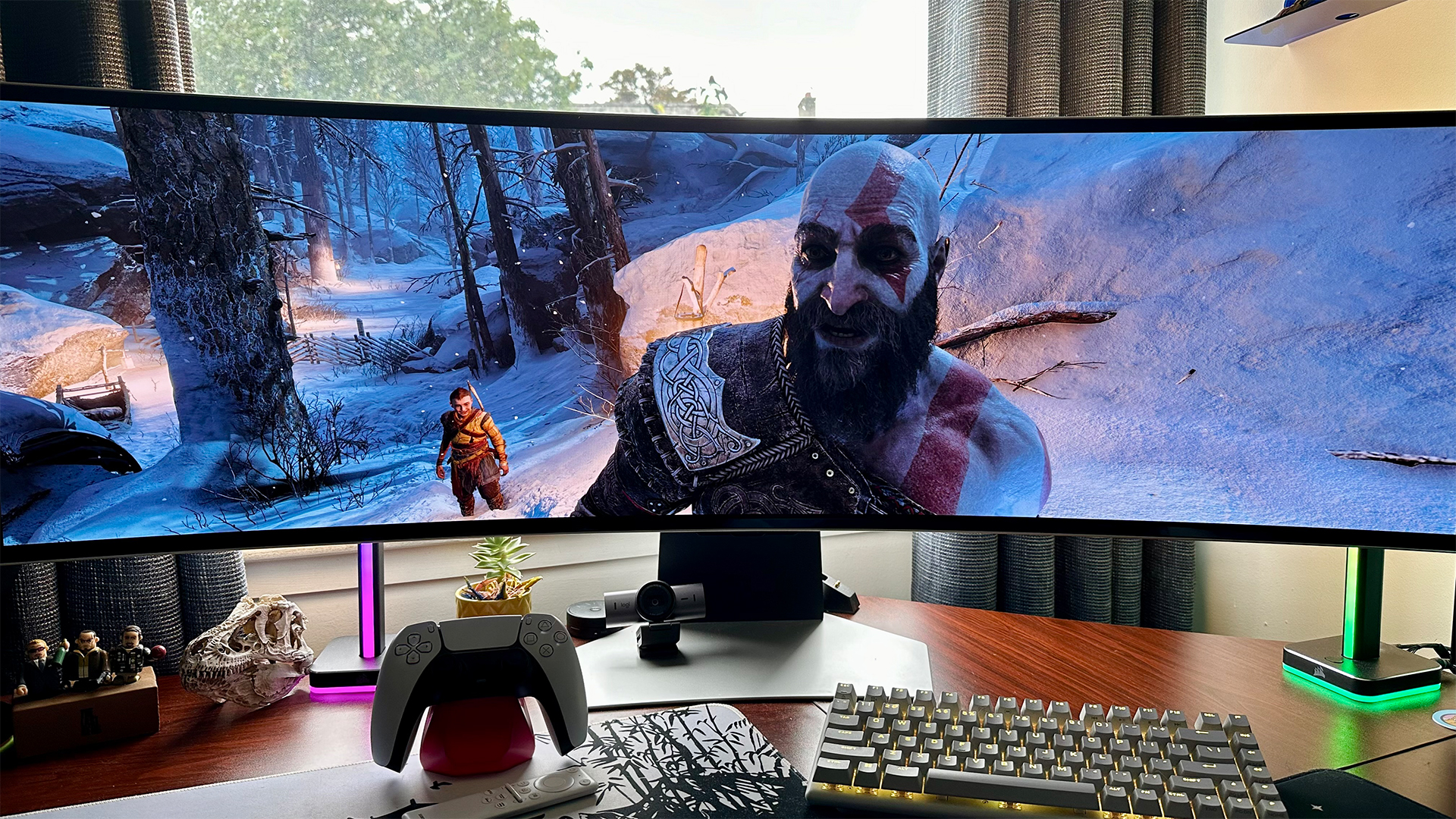
For many modern PlayStation titles, dedicated PC ports are arguably the best way to experience them on a computer. Sony has significantly ramped up its efforts to bring major first-party exclusives like God of War, Spider-Man, Horizon Zero Dawn, and The Last of Us Part I to platforms like Steam and Epic Games Store. These versions are optimized for PC hardware, offering higher frame rates, improved graphics settings, ultra-widescreen support, and often support for keyboard and mouse control alongside gamepads. If a game you want to play has a native PC port, it typically offers the most robust and visually impressive experience, leveraging your PC's power fully.
What about emulators for older PlayStation titles?
Emulators offer a fantastic way to revisit classic PlayStation games from older generations (PS1, PS2, PSP, and even some PS3 titles) on your PC. Programs like PCSX2 for PS2, PPSSPP for PSP, and ePSXe for PS1 have been developed and refined over many years by dedicated communities. While generally legal to own and use an emulator, obtaining game ROMs (digital copies of games) from sources other than your legally owned discs can venture into a legal grey area, so always ensure you are sourcing games responsibly. Emulators often allow for enhanced graphics, save states, and custom controller mapping, breathing new life into beloved retro games.
How can I use PS Remote Play for local streaming?
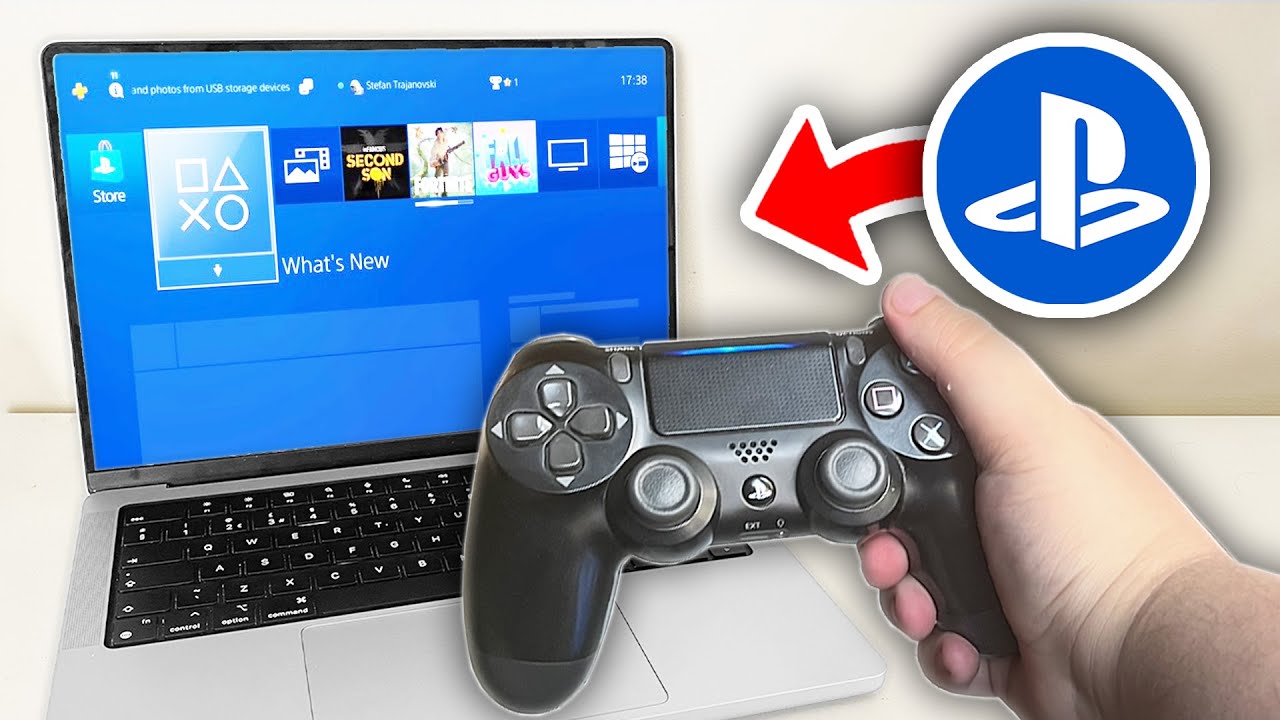
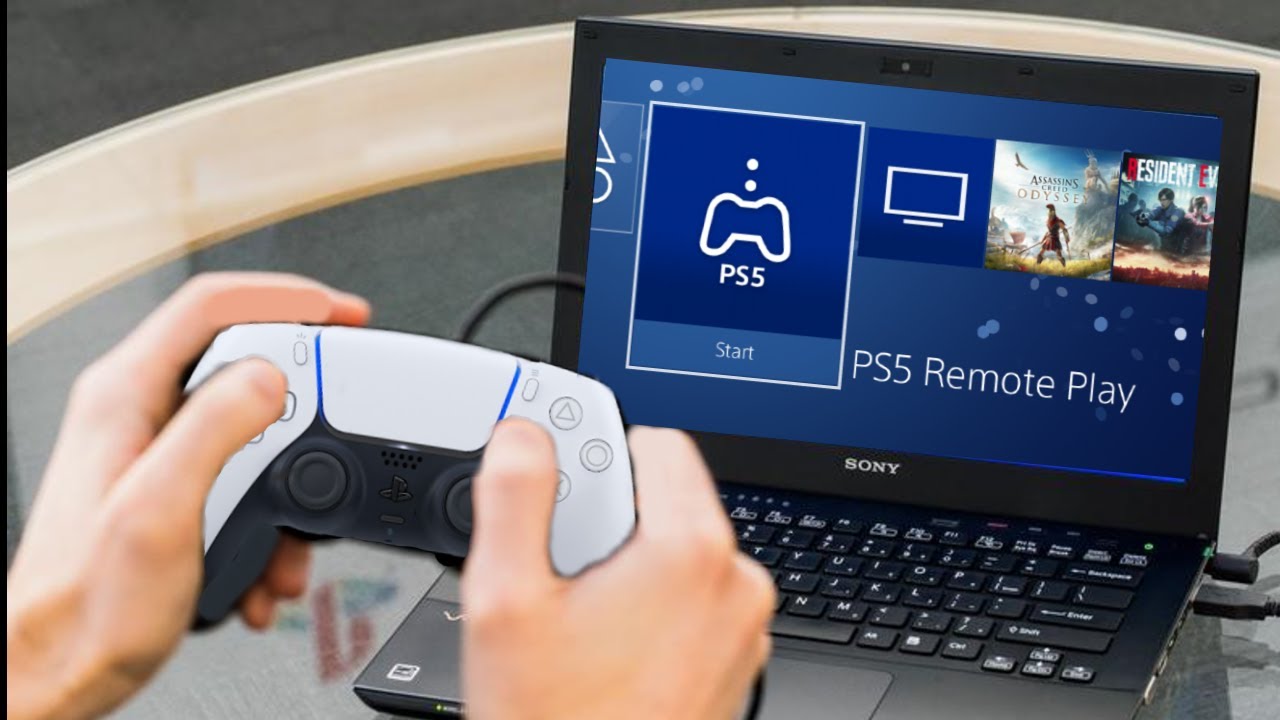
PS Remote Play is a free application that allows you to stream games directly from your own PlayStation 4 or PlayStation 5 console to your PC. This is perfect for situations where the main TV is occupied, or you simply prefer to play from your desk. You'll need to install the PS Remote Play app on your PC, connect your DualSense or DualShock 4 controller, and ensure your PlayStation console is either on or in Rest Mode with Remote Play enabled. For the best experience, both your PC and console should be connected to the same robust home network, ideally via an Ethernet cable, to minimize latency and ensure a smooth stream. It's your console's library, brought to your PC screen.
What hardware do I need for the best PS on PC experience?
The hardware requirements vary significantly depending on the method. For PlayStation Plus Premium streaming, a reliable internet connection is paramount, but your PC hardware can be quite modest as the game processing happens on Sony's servers. For native PC ports, requirements will align with typical PC games; a decent CPU (Intel i5/Ryzen 5 equivalent or better), 16GB RAM, and a mid-range GPU (NVIDIA RTX 3060/AMD RX 6600 XT or better) will ensure a smooth experience at 1080p or 1440p. For emulators, a strong CPU is often more critical than the GPU, especially for PS2 emulation. An SSD for game storage is always recommended for faster loading times across all methods.
How do I manage my PlayStation game saves across devices?
Managing game saves depends on the method. For native PC ports, saves are typically handled locally on your PC and often sync with cloud services like Steam Cloud or Epic Games Cloud, just like other PC games. For PlayStation Plus Premium, game saves are managed directly on Sony's cloud, similar to how they would be on a console. With PS Remote Play, since the game is running on your physical console, your saves remain on your console's storage and will automatically be accessed when you stream. This means a seamless continuation of your game whether you play directly on the console or via Remote Play.
Can I use my DualSense controller with PC for PS games?
Absolutely! The PlayStation DualSense controller is fully compatible with PC and is highly recommended for an authentic PlayStation gaming experience. You can connect it via a USB-C cable for a wired connection, or wirelessly via Bluetooth. While some PC games offer full DualSense adaptive trigger and haptic feedback support natively (especially Sony's own PC ports), for other games, it will function as a standard XInput controller. Tools like DS4Windows can provide additional customization and broader compatibility for games that don't natively support the DualSense's unique features. It truly enhances the 'can I play my PS games on PC' experience.
What are the common challenges and solutions when playing PS games on PC?
Common challenges include input lag during streaming, performance issues with demanding PC ports on older hardware, and setup complexities for emulators. For streaming lag, ensure a wired internet connection for both your PC and console (for Remote Play) or router (for PS Plus Premium), and reduce network congestion. For PC port performance, update your graphics drivers, lower in-game settings, or consider a hardware upgrade if your budget allows. For emulator setup, consult community guides and forums; they are invaluable resources for troubleshooting specific games or configurations. Balancing gaming with life often means wanting quick, smooth setups, so knowing these solutions upfront helps.
Which PS games are best suited for PC play right now?
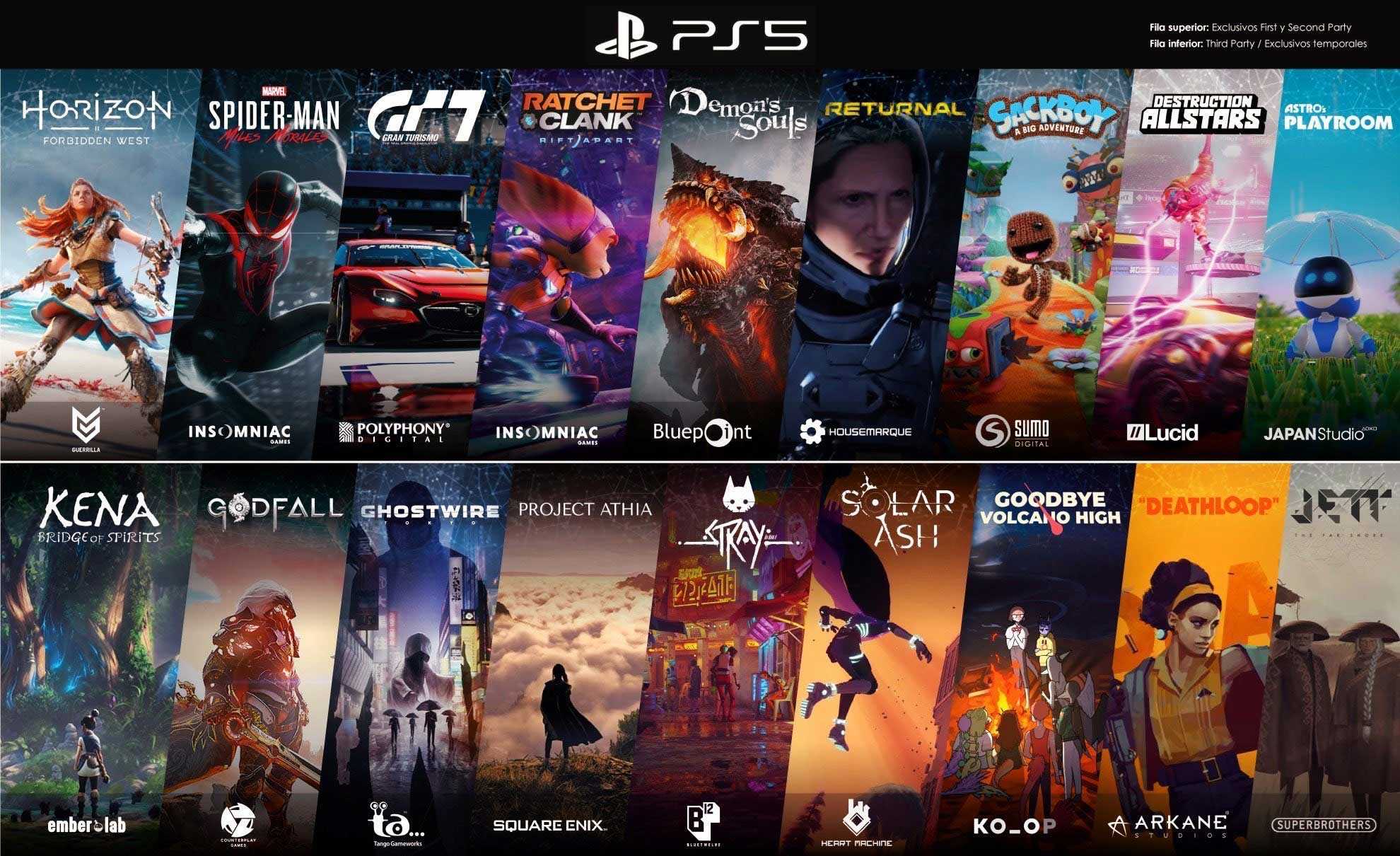
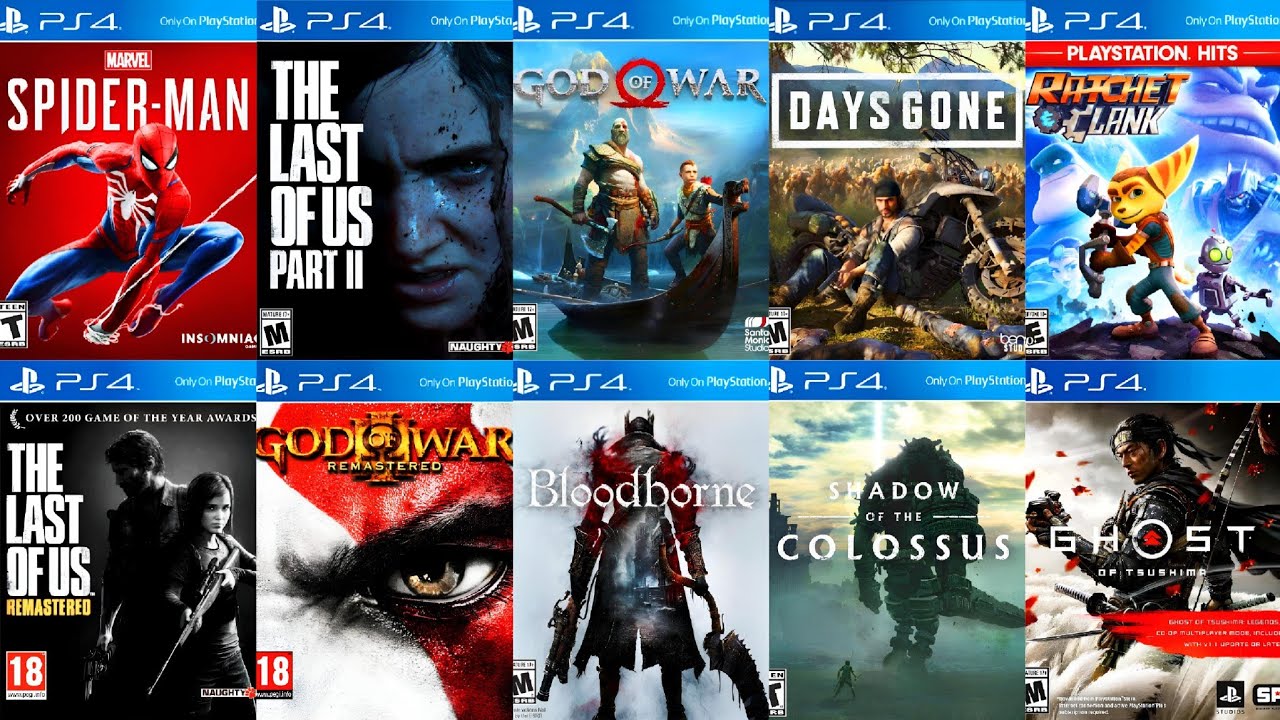
Many of Sony's biggest hits are now stellar on PC. Horizon Forbidden West, God of War Ragnarok, Marvel's Spider-Man Remastered and Miles Morales, and The Last of Us Part I are all fantastic native PC ports that leverage modern PC hardware. For streaming via PlayStation Plus Premium, look for highly rated PS4 games like Ghost of Tsushima Director's Cut (if available for streaming), Death Stranding, and various classic PS3 titles that hold up well. For emulation, the entire PS1 and PS2 libraries offer countless gems, from Final Fantasy VII to Gran Turismo 3, providing endless entertainment for nostalgic gamers.
How does playing PS games on PC save me money?
Playing PS games on PC can offer significant value for money. If you already own a gaming PC, subscribing to PlayStation Plus Premium is often cheaper than buying a new console, giving you access to hundreds of games. Dedicated PC ports, especially during sales, can be a more budget-friendly way to own specific titles without additional console hardware. This flexibility means you can often avoid investing in a new console generation immediately, extending the life and value of your existing PC setup, a crucial consideration for gamers balancing budgets.
Conclusion
The landscape for playing PlayStation games on PC has never been more vibrant. From the convenience of cloud streaming with PlayStation Plus Premium to the graphical fidelity of native PC ports and the nostalgic charm of emulators, there's a solution for nearly every gamer. Embracing these options provides unparalleled flexibility, allowing you to enjoy your favorite adventures on your terms, whether you're sneaking in a quick session after work or settling in for a long weekend. It's about optimizing your passion for gaming to fit seamlessly into your life.
What's your biggest gaming challenge when trying to play console games on PC? Comment below! We're always here to help you get the most out of your gaming experience.
FAQ Section
Do I need a PlayStation console for PS Plus Premium on PC? No, you do not need a PlayStation console to use PlayStation Plus Premium's cloud streaming service on your PC. You only need a PlayStation Network account and a subscription to PS Plus Premium to access the game library via the dedicated PC app.
Is PS Remote Play free to use? Yes, PS Remote Play is a free application. However, it requires you to own a PS4 or PS5 console and for that console to be connected to the internet to stream games to your PC.
Are all PS4/PS5 games available as PC ports? No, not all PS4/PS5 games are available as native PC ports. While Sony is releasing more first-party exclusives on PC, many titles remain exclusive to PlayStation consoles. Check storefronts like Steam and Epic Games Store for specific game availability.
Can I play PSVR games on my PC? Officially, no. PlayStation VR (PSVR) and PSVR2 games are designed specifically for PlayStation consoles and cannot be played directly on PC, nor can their hardware be natively used as PC VR headsets without unofficial third-party solutions.
What's the best emulator for PS2 games on PC? PCSX2 is widely considered the best and most mature emulator for playing PlayStation 2 games on PC. It offers excellent compatibility, numerous graphical enhancements, and active community support for optimal performance and setup.
Will my PlayStation trophies sync on PC? For native PC ports, trophies (often replaced by PC-specific achievements like Steam Achievements) are separate from your PlayStation trophy list. For PS Plus Premium streaming and PS Remote Play, since the games are running via your PSN account or directly on your console, your trophies will indeed sync to your PlayStation Network profile.
PlayStation Plus Premium offers cloud streaming for many PS4, PS3, and classic titles on PC. Many PlayStation exclusives are now released as native PC ports on Steam and Epic Games Store. PS Remote Play allows streaming games from your own PS4 or PS5 console to your PC. Emulators are available for playing older PlayStation generations like PS1, PS2, and PSP on PC. DualSense controller compatibility provides an authentic experience on PC.
35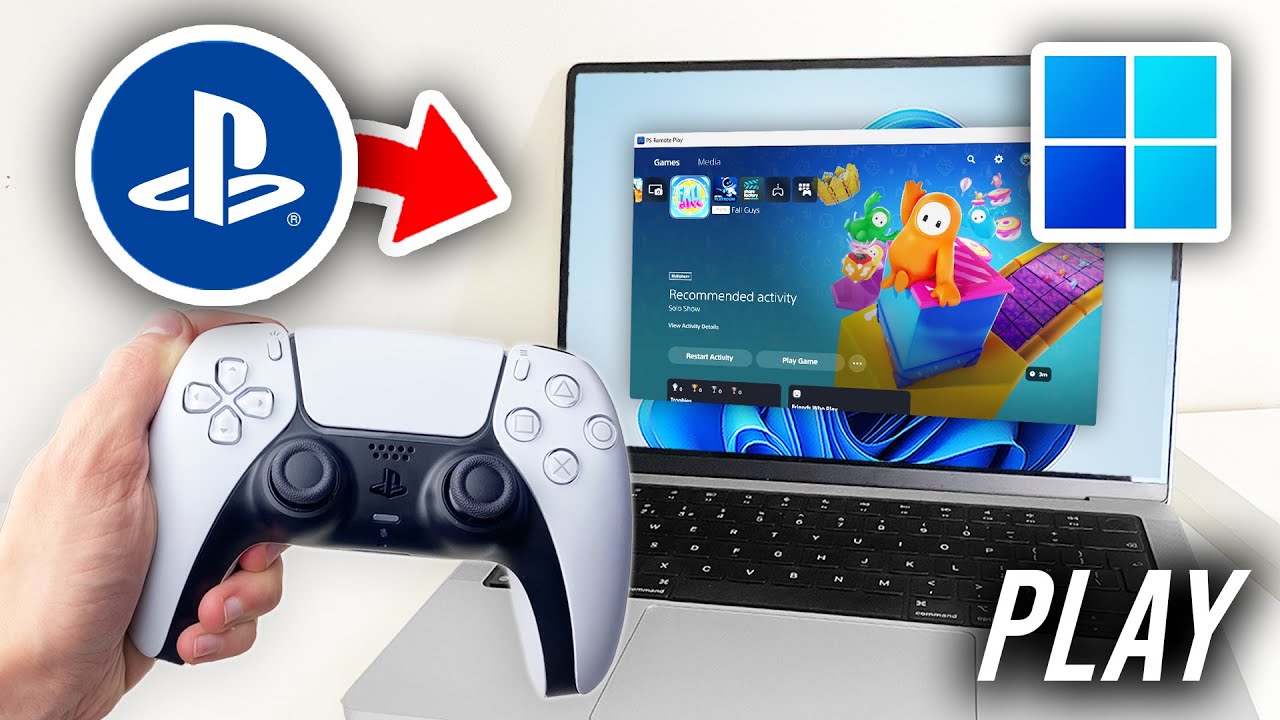
How To Play Games On Ps Now Playstation Now Download Pc UAJET . How To Play PS4 Games On PC Full Guide YouTube . How To Stream Playstation Games On Pc Robots Net How To Download Ps Now Games On Pc 1695441778 . How To Play PS4 Games On Windows PC PlayStation Now Vs Emulators Ps Now 930x620 . How To Stream Playstation Games On Pc Robots Net How To Use Playstation Now On Pc 1692860501



PlayStation 5 2026 Range Games 2026 Keyart 01 05dec25$en. PlayStation Plus January 2026 Games Full Lineup And Details G2A News. You Can Now Play PS5 PS4 PS3 On PC No Console Required PS Plus For PC . You Can Now Play PS4 Games On The PC Thanks To PlayStation Now PS4 Remote Play PC . How To Connect PS5 To Laptop Playstation 5 Remote Play PC Mac YouTube

:max_bytes(150000):strip_icc()/Selectagame-b1ecdaf3869a4e078892ae017efed310.jpg)


Can You Play PlayStation Games On PC Can You Play PS Games On PC UK Blog Feature Image Standard Blog Text 1024x1024 . How To Play PS4 Games On A PC Selectagame . Forget PS5 Pro The Best Place To Experience PlayStation Games Is On . Can You Play PlayStation Games On PC PS5 Games On PC Blog Feature 300x300 . PlayStation Plus Monthly Games January 2026 Revealed PlayStation Plus Monthly Games

PlayStation Showcase Reportedly Coming Before June 8 PlayStation Games 1024x576 . How Do I Get My PS Games On My PC CyberPost Featured . PlayStation Plus Game Catalog And Classics Catalog Lineup For May 2025 PS Plus 05 14 25 . PlayStation Plus Game Catalog For January 2025 Revealed PlayStation Plus Game Catalog January 2025 . PS5 Leak Suggests New Feature Benefiting Players Players For Life



Sony Reportedly Retreating From PlayStation S PC Platform Push GameSpot 4631581 . Can You Play Steam Games On Xbox Consoles GAMES IN 2026 . How Do I Get My PS Games On My PC CyberPost Game Faq Hub.webp. All Video Games Releasing In 2026 2026 Video Game Release Dates Post Feature Image . Top 10 Games We Are Excited To Play In 2024 ETKTD PS5 Games Graphic


Xbox In 2026 Spannende Pl Ne F R Das Jubil Umsjahr Xgp 2026 01.webp. Top 20 Ps4 Games Of All Time Top 20 Playstation Online Games . Ps4 Games List . Can You Play Games On PC If You Buy On PS5 Games Learning Society Gls Featured . Download And Play Ps Games On PC Emulator VvlJr=w1080




PS PLUS JANUARY 2026 Prediction Of FREE GAMES For PS4 PS5 In PS . 5 Best PSX Emulators For A Nostalgic Gaming Experience Playstation Games February 2026 . PlayStation S 10 Most Must Play PC Ports So Far Ranked Mixcollage 28 Dec 2024 10 22 Am 9572 . How To Play PS5 PS4 Games On PC Without A PS5 PS4 Guide To PS . My Dress Up Darling All Characters Ranked Playstation Plus Monthly Games For January 2025